How to Update Your LinkedIn Headline

Change the short headline text that appears under your name on LinkedIn.


Step 1 of 4

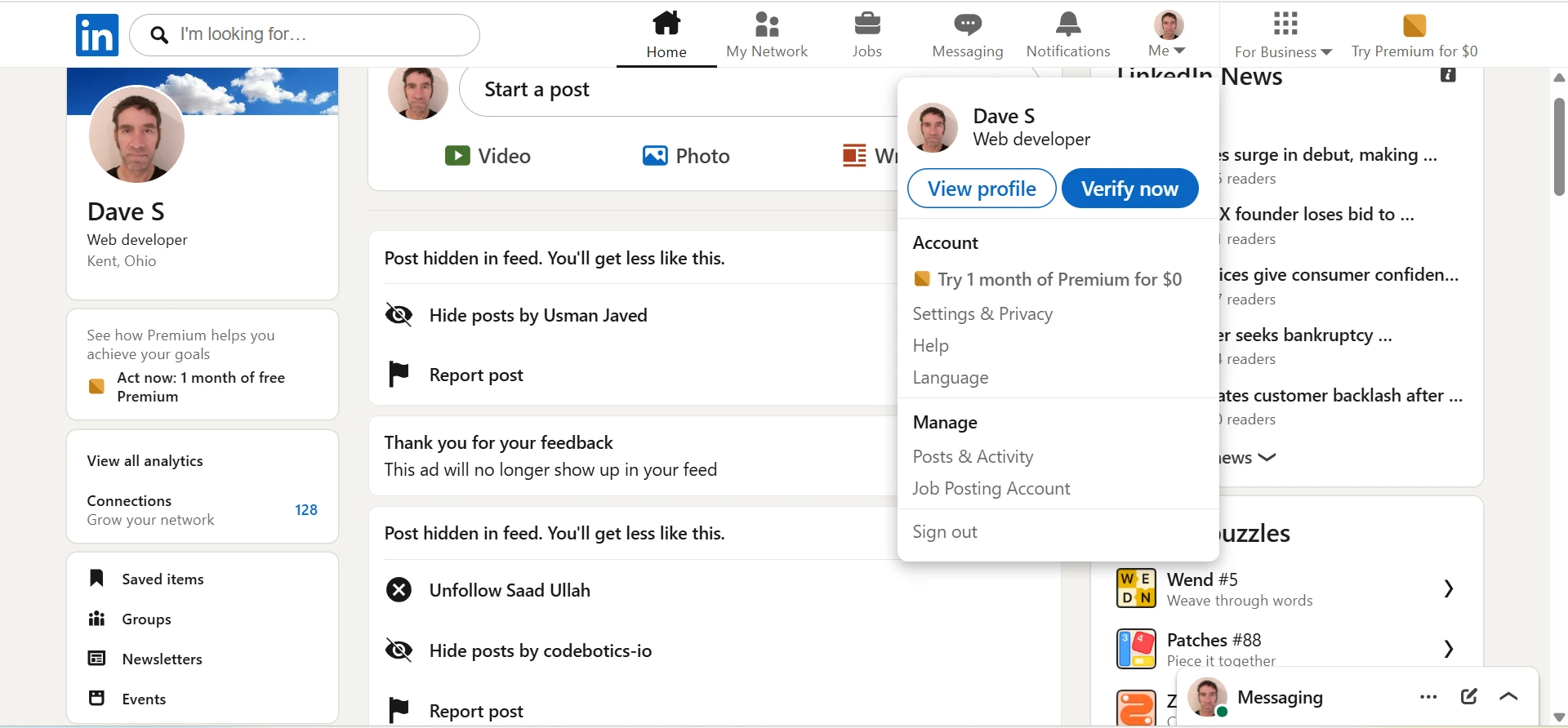
Open your LinkedIn profile

Click Me in the top navigation, then click View Profile.

You can open your profile from multiple places in the feed. Just click your profile picture. Any of the things shown with the red rectangle around them.
Step 2 of 4

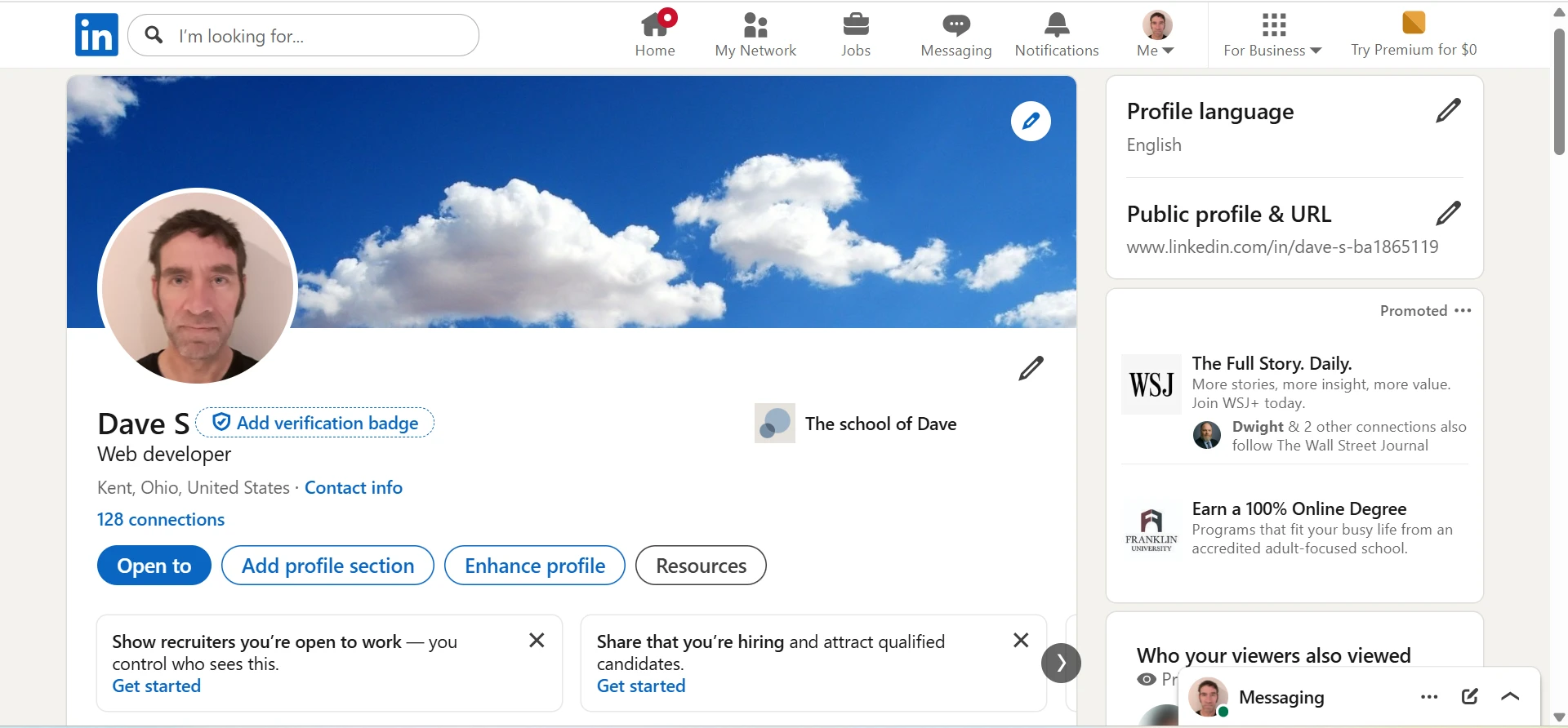
Open the intro editor

Click the edit pencil in the introduction section near the top of your profile.

Use the pencil near your name and headline, not the About section farther down the page.

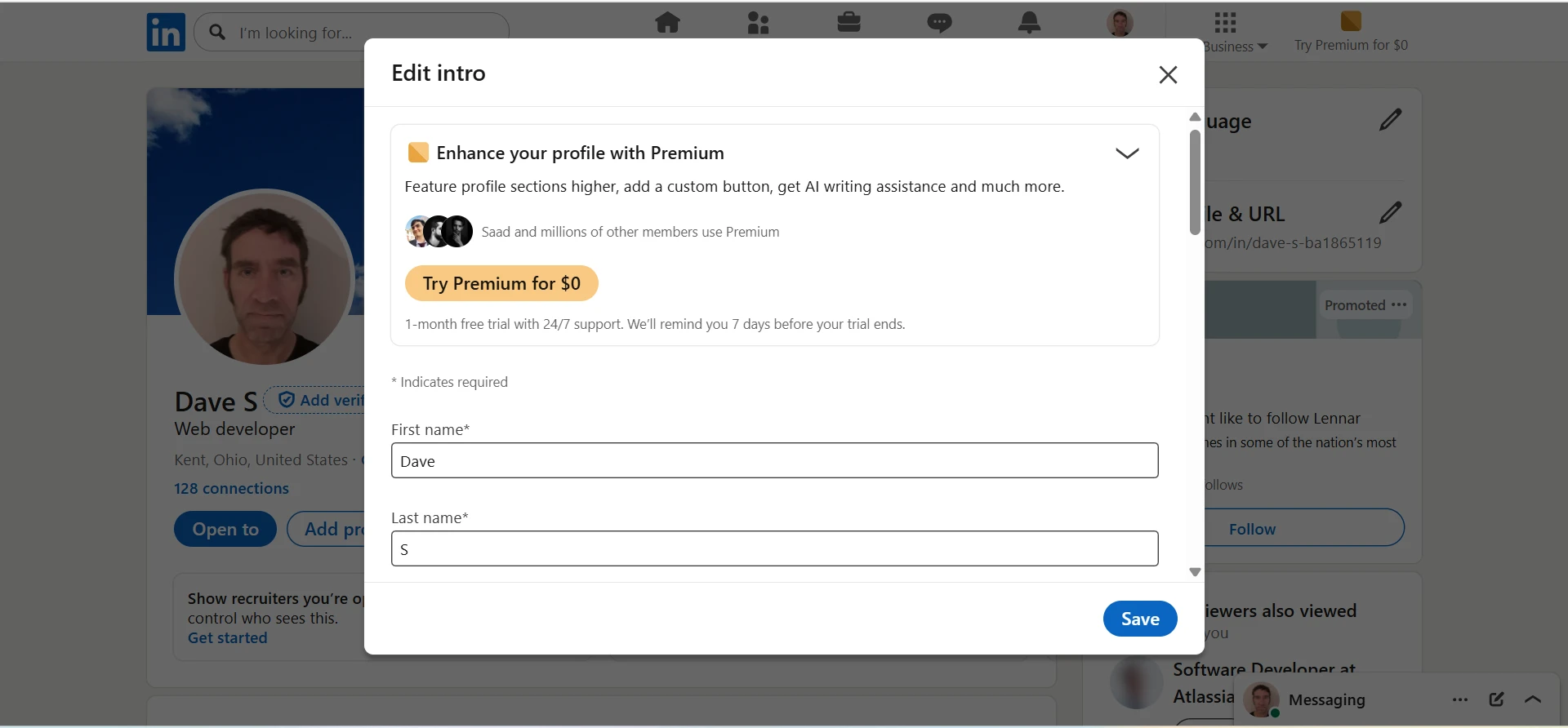
Scroll down

Step 3 of 4

Scroll down

Now that the intro editor is open, scroll down until you see the `Headline` section.

google sheets  insert link
google sheets insert link

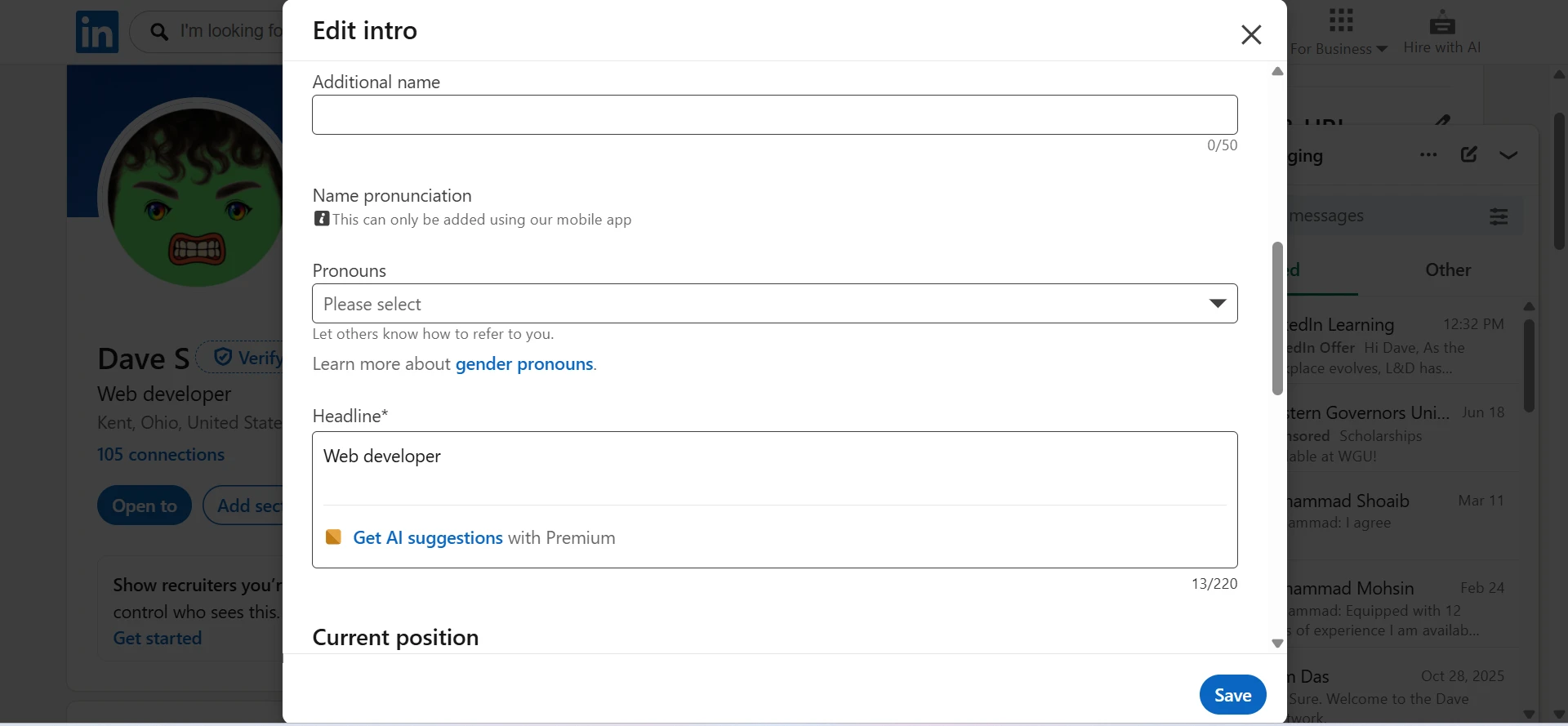
Step 4 of 4

Edit the Headline field and save it.

Edit the Headline field and save it.