Viewing steps ← Back to viewer
Home

Where’s That Button?

Docs: google-slides - View version history

?
View version history
Note:

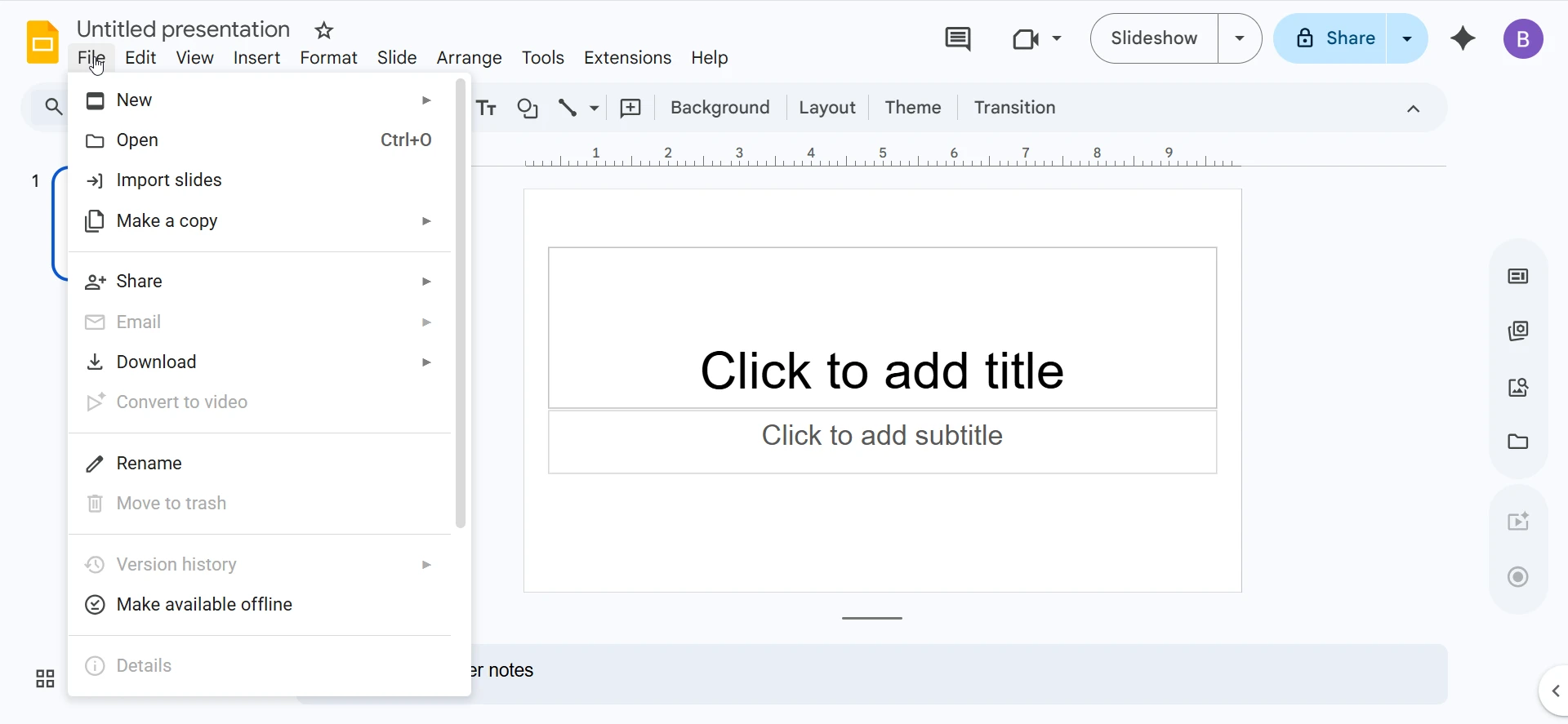
View version history displays previous versions of the document from the File menu in Google Slides.

Parents: main menu file menu

Related Content

How to View Version History in Google Slides
Here's where the Version history is in Google Slides. There's 3 ways to get there including the Version history icon at the top of the UI, the file menu version history sub menu or just start typing Version history in the text search field.
Video YouTube