Viewing steps ← Back to viewer
Home

Where’s That Button?

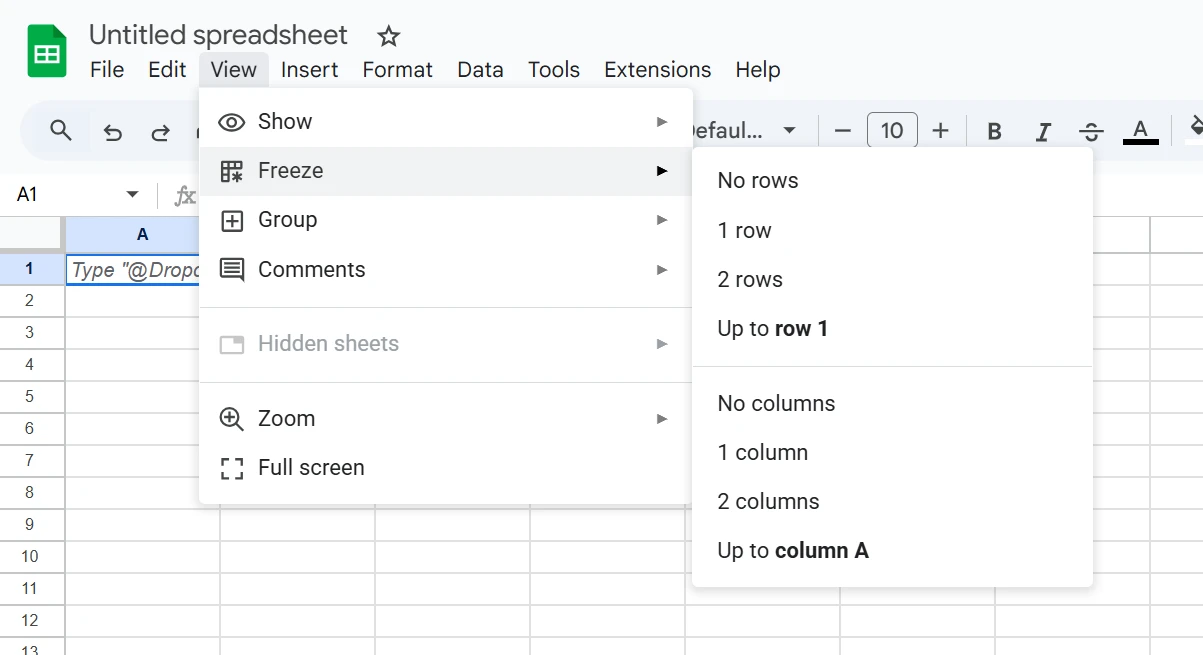
Docs: google-sheets - Freeze row

?
Freeze row
Note:

In the Freeze submenu of the View menu in the top bar.

Parents: main menu view menu freeze menu
Related Content

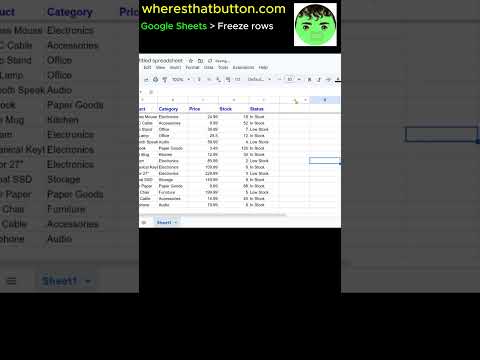
How to freeze rows in Google Sheets desktop view.
How to freeze rows in Google Sheets desktop view. https://youtube.com/shorts/RvCcEP-ZyVU?feature=share
Video YouTube
Freeze Rows in Google Sheets
This short video shows how to freeze rows in Google Sheets. Frozen rows remain visible while scrolling through large worksheets. https://youtube.com/shorts/RvCcEP-ZyVU?feature=share
Video YouTube